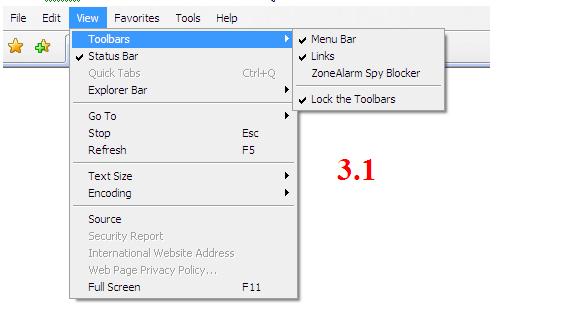

1. ไปที่ Tool --> Internet Options
2. ไปแถบ Security --> Custom Level
3. เลื่อน Score Bar -- > Downloads -- > Automatric prompting file dowload --> ให้เช็ค (Enable)
4. เลื่อน Score Bar -- > Downloads -- > File dowload --> ให้เช็ค (Enable)
5. คลิ๊ก --> OK
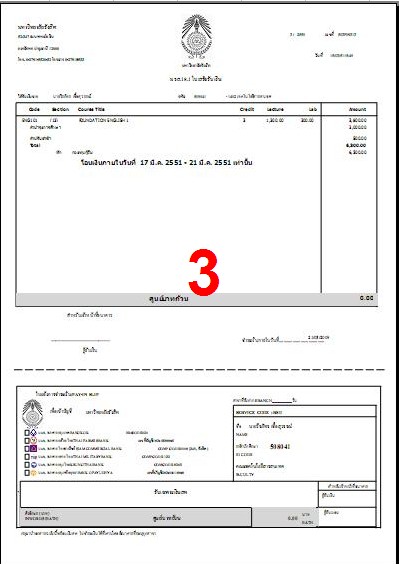
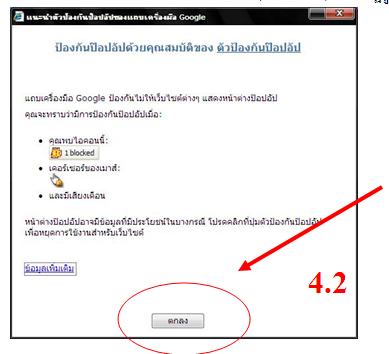
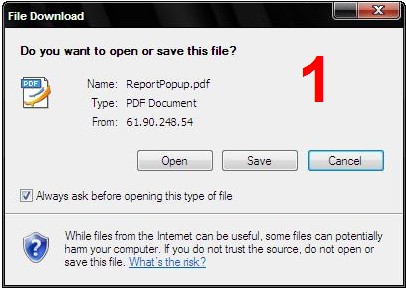
7. เมื่อทำการคลิ๊ก Open หรือ Save ดังรูปที่ 1 และ 2 จะปรากฎรูปดังรูปที่ 3 จากนั้นก็สามารถ Print ได้
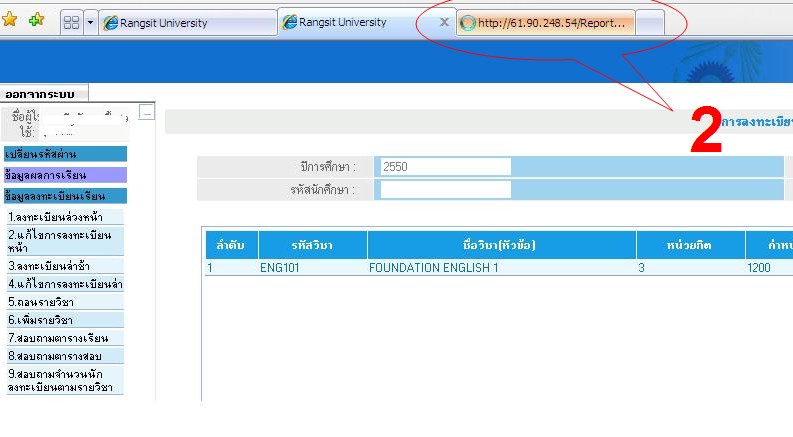
6. เมื่อทำคลิ๊ก Print หรือ Reprint ให้ สังเกต
- รูปที่ 1
- รูปที่ 2